Task management solution

A task management tool developed by Easytrack that provides companies with the latest technology to efficiently organise the daily missions of every field worker.


Improve communication between teams to eliminate counter-productive work, meet deadlines, save time and complete customer installations and deliveries.


A single installation and integration process that works with existing platforms; the mobile app runs on iOS and Android.

Last-mile delivery

Integrating Missions Pro with Easytrack offers a reliable way to manage deliveries and installations at customer sites.

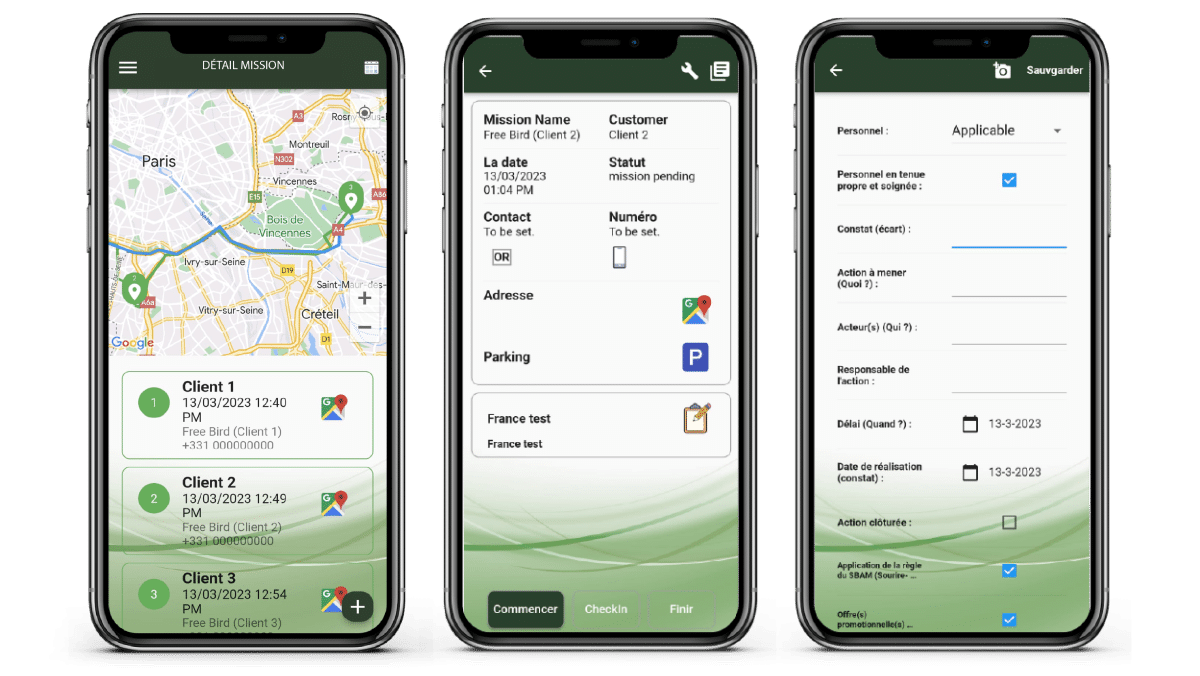
The app supports your teams at every step of the process:

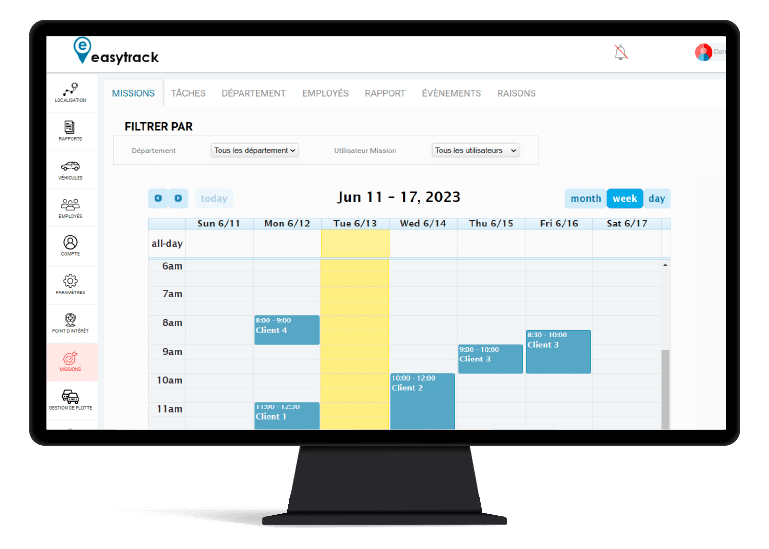
  1. Appointment booking and calendar view with time-slot reservation for the technician or delivery driver
  2. Mission creation
  3. Sharing customer information (name, address, phone number, etc.) with your delivery driver or field technician
  4. Sending SMS notifications to customers, with or without geolocation tracking links
  5. Defining the steps your technician must follow, with confirmation requested by photo capture or barcode scan
  6. Customer electronic signature at the end of the mission

The app supports your teams at every step of the process:

  1. Appointment booking and calendar view with time-slot reservation for the technician or delivery driver
  2. Mission creation
  3. Sharing customer information (name, address, phone number, etc.) with your delivery driver or field technician
  4. Sending SMS notifications to customers, with or without geolocation tracking links
  5. Defining the steps your technician must follow, with confirmation requested by photo capture or barcode scan
  6. Customer electronic signature at the end of the mission

Benefits for the administrator

null
Manage teams from a desktop PC, with a general overview in an organised calendar
null
Assign each team member to a department
null
View the list of missions, their live status (open, in progress, closed) and the time team members spend on each task
null
Create clear missions for each user and share the information needed to complete the mission
null
Create different steps/tasks for each mission with the necessary permission fields
null
Add, edit or delete any existing missions, tasks or departments
null
Generate accurate automated reports for better analysis
null
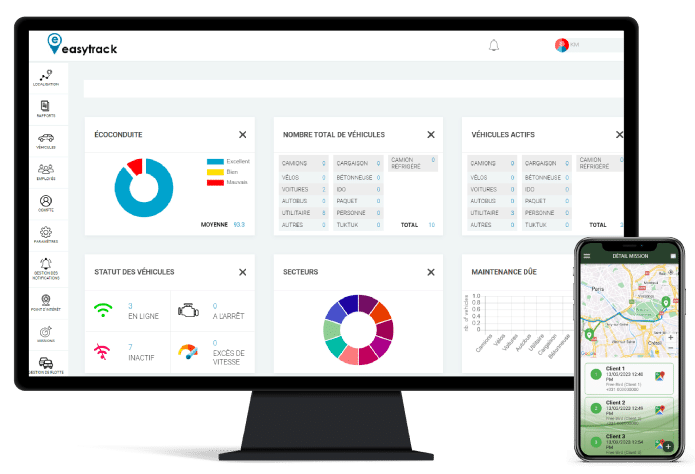
Integration with the Easytrack solution for extra visibility over your fleet’s vehicles
null
Makes navigating to the customer easier
null
Create and manage the customer list
null
Create and manage the department list

Benefits for the administrator

null
Manage teams from a desktop PC, with a general overview in an organised calendar
null
Assign each team member to a department
null
View the list of missions, their live status (open, in progress, closed) and the time team members spend on each task
null
Create clear missions for each user and share the information needed to complete the mission
null
Create different steps/tasks for each mission with the necessary permission fields
null
Add, edit or delete any existing missions, tasks or departments
null
Generate accurate automated reports for better analysis
null
Integration with the Easytrack solution for extra visibility over your fleet’s vehicles
null
Makes navigating to the customer easier
null
Create and manage the customer list
null
Create and manage the department list

Benefits for team members in the field

null
Tasks received with the necessary information
null
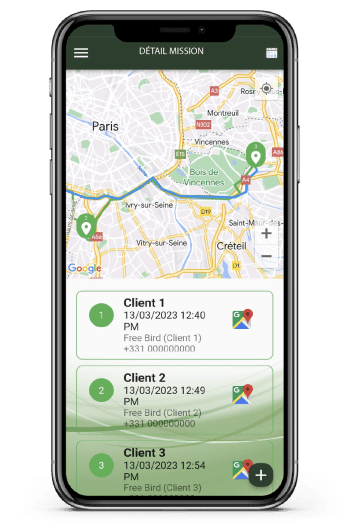
Users can directly check missions near their location
null
Each mission contains relevant information, including the mission location
null
Scan barcodes at each step and at different mission locations
null
Steps/tasks can be displayed in chronological order, according to the company’s needs
null
Capture and share images at any time during the mission or to confirm the completion of a step
null
Users can receive live notifications or updates
null
Obtain the customer’s electronic signature when the mission is finalised

Benefits for team members in the field

null
Tasks received with the necessary information
null
Users can directly check missions near their location
null
Each mission contains relevant information, including the mission location
null
Scan barcodes at each step and at different mission locations
null
Steps/tasks can be displayed in chronological order, according to the company’s needs
null
Capture and share images at any time during the mission or to confirm the completion of a step
null
Users can receive live notifications or updates
null
Obtain the customer’s electronic signature when the mission is finalised
Contact us